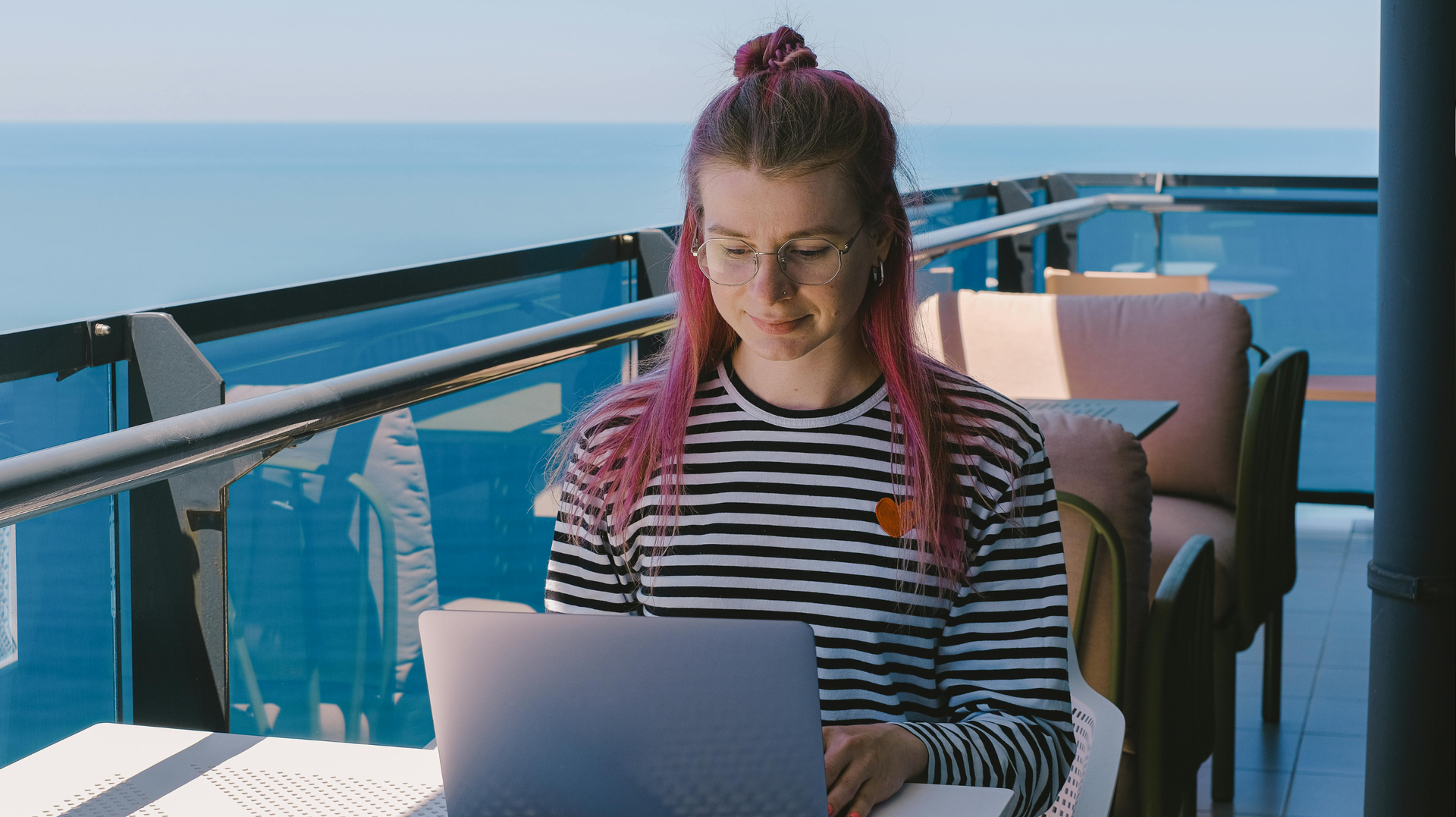
For digital nomads, remote workers, students, and travelers, technology is not just about making things easier for yourself. You could have all your work on a laptop, bank via a smartphone, and use the internet for meetings and projects to go well. Since you are going to be shifting from one furnished apartment or coworking space to another or even different cities, taking care of your technology becomes crucial.
A few precautions can save you from many problems like expensive damage and data loss that might occur otherwise. There are a few small steps that can make your technology safe without taking up much time from you.
Start With a Secure Workspace
The initial step that you should take in order to secure your device is making sure that the environment that you will operate from is safe. For example, when entering an already furnished space, one needs to locate a place where a laptop with other accessories may be placed safely.
Do not put electronic equipment near water sources or anywhere else where they might fall to the ground. It is recommended that you do not have any cables lying around as they might lead to accidents like trips which can result in pulling a computer, monitor, or a router down. One must also not expose their devices to extreme heat or sun exposure, since laptops and other networking equipment produce heat.
Protect Your Laptop and Smartphone
Computers and phones have higher chances of getting damaged when traveling since they are always moving around between places. Getting a protective laptop sleeve will help protect it from falling accidents. As far as phones are concerned, getting a protective cover and screen protector is cheap insurance.
Before transporting a laptop, turn it off or place it in sleep mode as per the manufacturer’s specifications and then pack it in the luggage. Avoid keeping things that can pressurize the screen. Expensive equipment should never be left unattended anywhere. Even if you are gone for just a few minutes, take your laptop and phone along with you.
Find perfect apartments for rent in Portugal
Keep Your Software Updated
Physical security is not all that technology security entails. There could be vulnerabilities that could be exploited by hackers due to out-of-date software. The operating system, the browser, applications, and even the security utilities must be kept up-to-date regularly. Where possible, always enable automatic updating.
For people managing work while traveling, cloud-based applications can also simplify access to important tools. Today, many businesses use Software-as-a-Service (SaaS) platforms. This means that users can access software through an internet connection, rather than only using software installed on a single computer. However, SaaS accounts should still be protected by strong passwords, multi-factor authentication and proper control of access.
Secure Your Home Internet Connection
Internet access is crucial for working from home, studying, communication, and entertainment. Before settling in your new place, it would be wise to think about your Wi-Fi connection.
In case you have full control over your router, change the password used to log in as administrator. Use a unique Wi-Fi password and security options that are up to date. In case the internet equipment is owned by the property owner, never try to change the configuration of the device. Inquire about the possibility of having a password set on the network and whether there are any firmware updates. Try not to share your Wi-Fi password without reason. You can offer an alternative guest network in case your guests need internet access.
Be Careful With Public Wi-Fi
The convenience of using public Wi-Fi can never outweigh the importance of safety measures. Internet connections available in airports, coffee shops, shared workspaces, hotels, and other public places could be used by different people who may not know each other.

It is always wise to stay away from entering sensitive information in doubtful sites when using public Wi-Fi. You need to ensure that the website uses HTTPS. Also, you need to be very careful of any unexpected sign-in screen.
Using a good virtual private network (VPN) will give you more privacy in cases where you are using unknown Wi-Fi networks. Nonetheless, VPNs should not be considered an all-inclusive safety measure.
Use Strong and Unique Passwords
Having the same password on different accounts is a superfluous danger. In case there is a violation of security in one of the services, where the password will be disclosed, the attacker can try to use it in other places.
Make sure that each important account has its own password. It can be made using a password manager, which will make the process of password generation more efficient. Use multi-factor authentication wherever it is possible. It may serve as an additional line of defense in case the password has been compromised. Take care of your main email account, as you can reset the passwords of many other services through it.
Back Up Important Data
The most secure laptops can still break down, get damaged, and go missing. Backing up will ensure that you do not turn a simple hardware failure into a serious personal or professional problem.
It is a good idea for any valuable information such as documents, pictures, project files, and other data that cannot be recovered to have two copies. Do not start backing up only when you notice something is wrong with your computer. It is important to back up your files regularly and make sure that you can recover them.
Protect Chargers and Accessories
Chargers, adapters, power banks, external storage units, headsets, and other accessories are often overlooked. However, a single accessory's damage can make even a perfectly working gadget difficult to use.
Ensure your chargers and cables match your gadgets and do not use any visibly damaged cable. Do not use adapters whose wires are exposed, housing is cracked, or have any loose connection.
If you travel outside your country, verify the electrical systems there and find out whether you require a plug or voltage adapter. A good surge protector may also be helpful in such situations, especially when several valuable gadgets are being used.
Find perfect apartments for rent in Spain
Watch for Water and Temperature Damage
Water can be considered one of the easiest ways to ruin your gadgets. Do not allow laptops, cell phones, tablets, and routers to come into contact with any beverages, bathrooms, kitchens, and open windows during adverse weather conditions. Do not take it for granted that an electrical gadget is fine since it works even after becoming wet. Unplug the gadget at your convenience and consult the manufacturer.
Temperature is another factor to consider. Do not allow electronic gadgets to stay in a very hot car or expose them to very low temperatures for an extensive time. Allow gadgets to reach room temperature before usage or charging.
Secure Your Devices When Moving
The process of changing accommodations is likely to mean that you will need to pack and unpack your equipment several times. Make sure that when you leave your rental place, you have checked all the rooms for any equipment, such as chargers, adapters, cords, hard drives, and other accessories.

In case you are moving between places, it would be advisable to carry your equipment with you either in a handbag or on your person and not check it in at all. It is also recommended that you make a simple list of the main equipment and accessories that you have.
Make Security Part of Your Travel Routine
The protection of technology does not necessitate any sophisticated equipment or technical expertise. Consistency works best. Always keep the gadgets up to date, have passwords that are difficult to crack, set up multi-factor authentication, back up your information, safeguard your Wi-Fi network, and protect electronics from being physically damaged.
Technology helps make things easier for remote workers and digital nomads. It allows people to choose lodgings with a reliable internet connection and good workspace to work efficiently and productively.
No matter how long you are planning to stay in a particular city or place or wherever else you plan to go to continue your work, a little preparation goes a long way. All it takes is treating your laptop, mobile device, router, and accounts online as the vital parts of your traveling equipment.