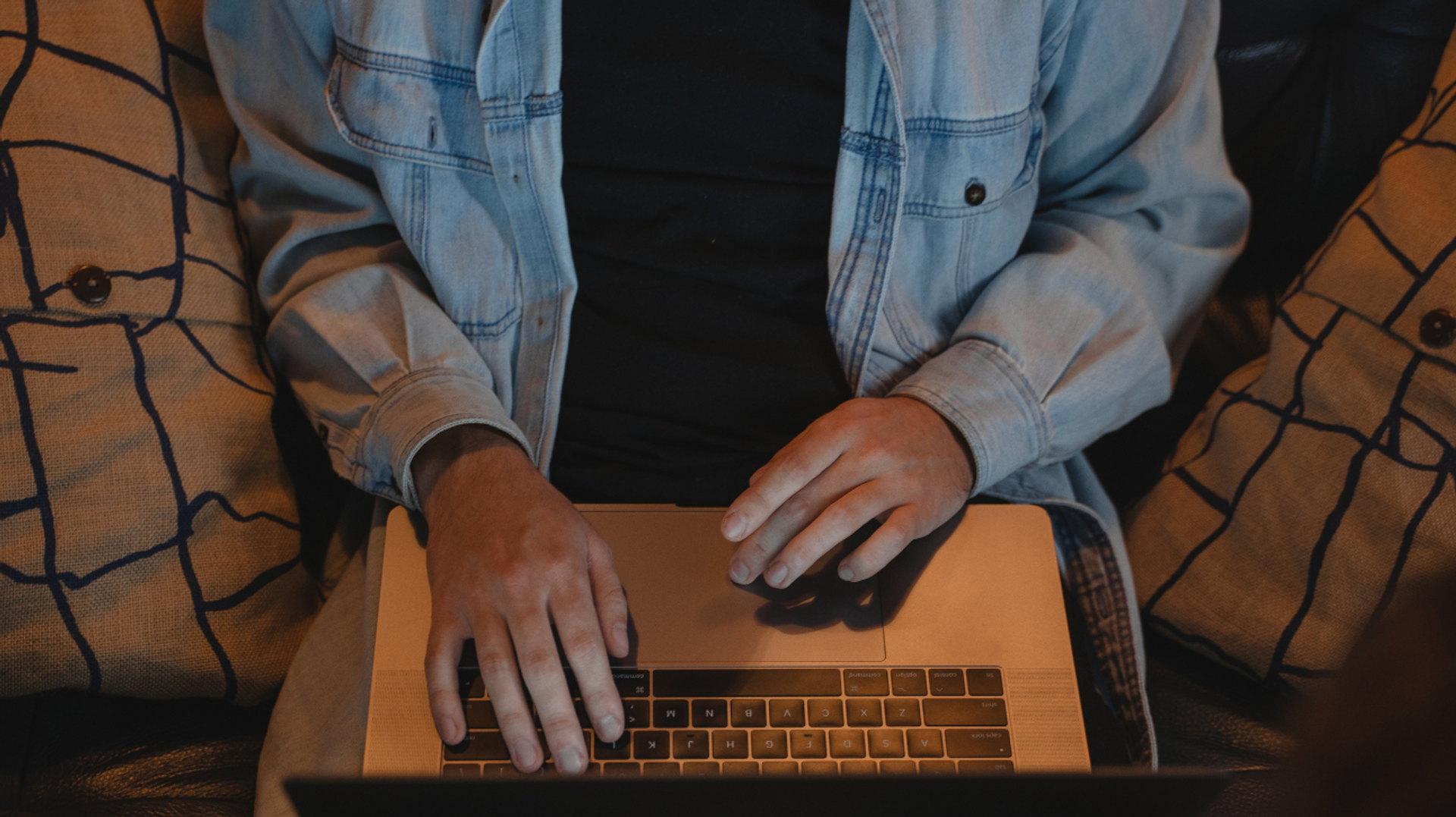
Today’s digital nomads don’t just carry backpacks—they carry their entire work lives on laptops and phones. Every client file, every login, every project deadline depends on staying connected. But with that freedom comes a constant challenge: public Wi-Fi, shared networks, and unfamiliar devices aren’t always safe places to work.
The question isn’t just how do you stay online? It’s how do you stay secure while doing it? Because one careless login on an open network could expose your data—or even the systems you connect to back home.
The good news is that with the right habits and tools, you can protect your information without sacrificing the flexibility that makes this lifestyle so rewarding. Here’s how digital nomads can keep their work safe while working from anywhere in the world.
Prepare Your Devices Before You Depart
Security starts before you board the plane. Update operating systems and software to the latest versions; patches often fix vulnerabilities that hackers exploit. Activate built‑in firewalls on your laptop and set strong, unique passwords for both user accounts and administrative access. Consider enabling full‑disk encryption so that if your device is lost or stolen, its data is unreadable. Security measures often enhance dark web monitoring services that can help alert you if your personal information, login credentials, or travel-related accounts are exposed in data breaches while you’re abroad.
Next, choose a secure remote access software solution that uses enterprise‑grade encryption, such as TLS v1.2 and AES‑256. Look for platforms that support two‑factor authentication and provide a personal key or secondary password for each computer. Some tools, like
RemoteToPC, also include detailed security logging, which can be especially useful if you want to keep track of when and how your devices are accessed while you’re abroad. Finally, configure your remote desktop application to require a session code for every connection; this code should only be shared via secure messaging apps.

Practice Safe Browsing on the Go
Once you arrive at your destination, avoid connecting to unsecured Wi‑Fi networks. Use a virtual private network (VPN) to encrypt all internet traffic, and confirm that your remote access software communicates over secure channels.
When working in cafés or co-living spaces, position your screen to reduce shoulder surfing and lock your device whenever you step away. If you’re sharing accommodation with roommates, create separate user profiles on shared devices and limit file-sharing permissions.
Keep backups of important files in a cloud service with end-to-end encryption. That way, if your hardware fails or is stolen, your documents are safe. Remember that some countries impose restrictions on encrypted communication; research local laws to avoid surprises.
And if a connection feels slow or laggy, resist the temptation to disable security features. Many remote access platforms include adaptive bandwidth modes that prioritize security while adjusting image quality.
Choose Your Base Wisely
One of the best parts of remote work is the ability to choose a space that fits your needs. Before booking, check listings for verified Wi-Fi speeds, a dedicated workspace, and secure locks. Read reviews from other digital nomads and use virtual tours to gauge lighting and noise levels.
Once you arrive, position your desk away from windows to deter prying eyes and secure your laptop with a cable lock if you’re staying with roommates. Investing a little time in choosing the right base sets the stage for productive, worry‑free work and makes it easier to enjoy your surroundings when you log off.
Find perfect apartments for rent in Europe
Build a Routine That Balances Work and Exploration
Digital nomad life isn’t all spreadsheets and screen time; it’s also about experiencing new cultures. To avoid burnout, set clear working hours and communicate them to clients or colleagues.
Use calendar apps to block off time for sightseeing or language classes, and leverage remote access features like scheduled sessions so you’re not always on call. Some remote tools even allow you to wake a sleeping computer remotely, which can save energy and extend your device’s life.
Of course, technology should adapt to your lifestyle, not the other way around. If your remote access solution doesn’t offer intuitive mobile apps, consider switching. Look for features such as file drag‑and‑drop, clipboard sharing, and remote printing—little conveniences that make working from a rented flat feel almost like home.
And if you run into trouble, choose providers with responsive support or knowledge bases, because troubleshooting across time zones is hard enough without unhelpful customer service.
Conclusion
Being a digital nomad is an exercise in freedom and responsibility. You’re free to roam, but you’re also responsible for protecting your data and the systems you access remotely. By preparing your devices, choosing secure software, practising safe browsing, and balancing your schedule, you can work efficiently from anywhere. The right habits and tools let you enjoy the world on your own terms while keeping clients, employers, and your own information safe. Happy travels—and secure connections.