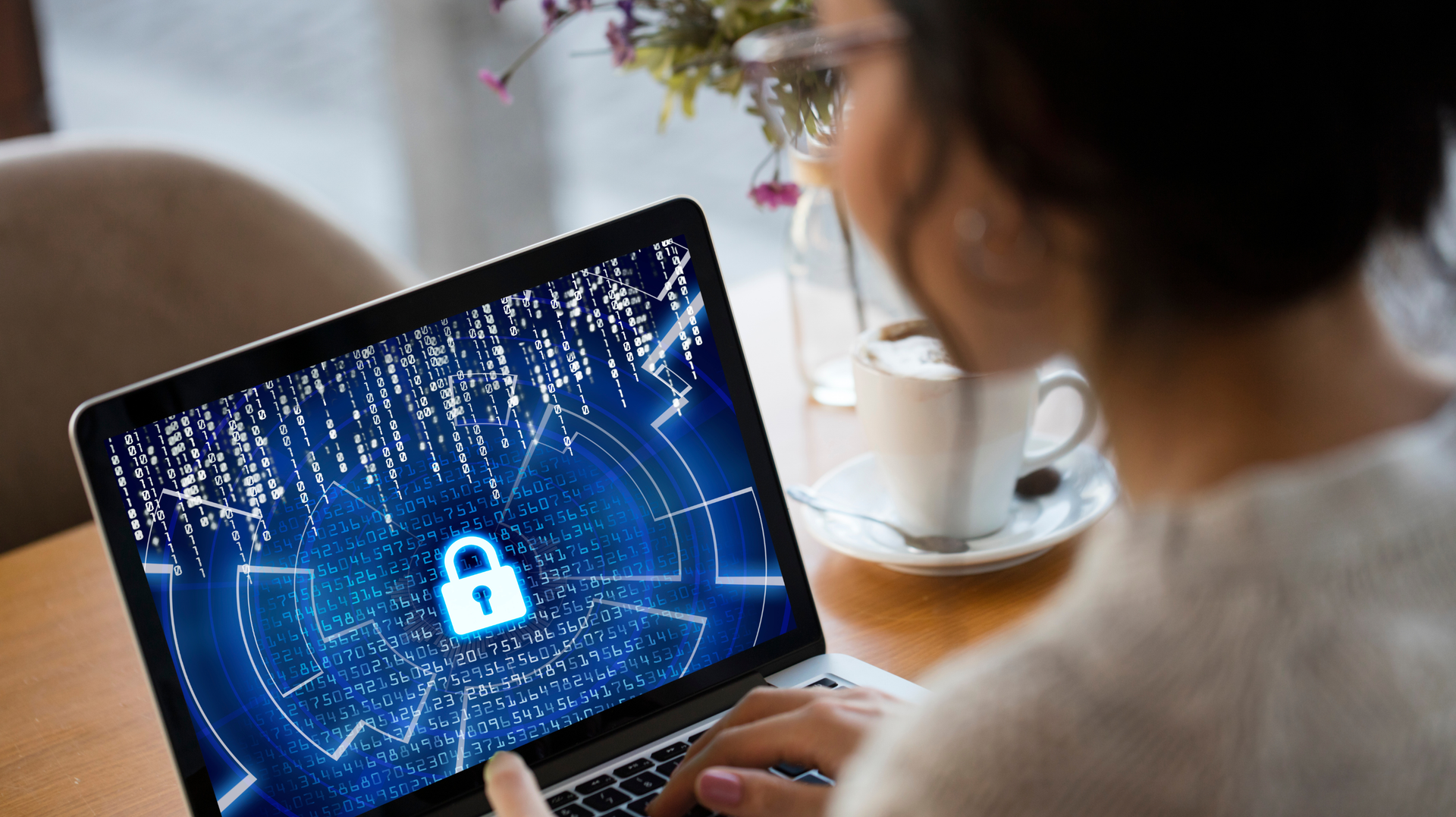
Gone are the days when your professional life was defined by the commute between your apartment and the office. These days, teams are spread across the globe, working from every corner of the planet. When colleagues on different continents collaborate, borders may vanish, but that distance makes digital security rules a daily challenge. That is why staying vigilant about remote work cybersecurity is mandatory for leadership teams.
Too often, organizations prioritize speed over security measures. Leaders are constantly chasing growth. And in that rush, they unintentionally leave the digital doors wide open for cybercriminals. However, by adopting remote work best practices, we can lock down our company assets and keep them safely behind closed doors. After all, it is much better to be proactive than to wait for a thief to strike. This approach is the only way to avoid the costly, devastating breaches that plague distributed corporate infrastructures.
To keep distributed teams and company data safe, we need specific technical strategies. Let’s take a closer look at the essential habits that help keep international workflows secure.
Why Cybersecurity Matters More for Remote Teams
Focusing on cybersecurity in a remote work environment is essential. In fact, hackers often find it easier to target remote teams than those working in-house. When remote employees work from different locations, that distance creates new risks to company data. That centralized security system, which protects everyone under one roof, simply disappears in a remote setup. In such cases, cyber threats often exploit these fragmented networks.
The foundation of cybersecurity must depend on consistent protocols that surpass physical boundaries. For Remote team collaboration, the constant exchange of data is mandatory. But this necessity also increases the risk. Every document shared in this process could create an opening for digital thieves prowling online. If managers fail to maintain firm control over access permissions, those thieves could easily steal company data at any moment.
Find the perfect apartments for rent in Lisbon
Indeed, when a data breach happens, it damages a company’s reputation far worse than any operational downtime. Clients who expect complete confidentiality in every interaction will simply refuse to invest their time in such a company.
Furthermore, any business owner who ignores cybersecurity measures risks having their intellectual property fall into competitors’ hands. Once that happens, your remaining data, and even your finances, become worthless. Building a strong, secure framework is the only way to protect a business from these threats, and it remains the best approach.

Common Cybersecurity Risks While Working Abroad
Since working abroad involves navigating a constantly evolving landscape of cybersecurity risks, digital nomad security has become increasingly important. That is why perceiving these challenges is essential to staying protected as you travel:
Cybersecurity Risks
Working remotely in another country brings several cybersecurity risks. Using public Wi-Fi in different places can expose sensitive information to interception through man-in-the-middle attacks, making public Wi-Fi safety a top priority for remote professionals. If you leave your devices unattended, they could be stolen. It gives thieves access to company data. People working remotely are also common targets for phishing and social engineering scams because they rely heavily on electronic communication, which can lead to stolen credentials or information breaches.
Remote Access Management Risks
If you work in another country, it’s important to manage remote access carefully and focus on business travel security. Weak passwords as well as poorly configured remote desktop tools can make it easier for hackers to access your company’s network. Every remote connection can be a risk, so companies should use strong authentication and monitor for suspicious logins to protect business data while traveling.
Cloud Storage & Data Sharing Risks
When you use cloud storage and file-sharing tools abroad, your business data can be at risk. So you need to be careful. Unsecured file transfers and sending files to the wrong people happen often. To stay safe, you should use encrypted services and share files only with those who need them. If you notice suspicious sharing requests, you should let your manager know.
Best Practices for Protecting Business Data
Cybersecurity for distributed teams requires a layered approach to protect business data. Use Multi-Factor Authentication on every account. Make sure data is encrypted both when stored and when sent. And keep all systems up to date with the latest security patches. The best practices for securing corporate and customer data also include:
- Limit access to sensitive files using Role-Based Access Control and the principle of least privilege.
- Protect confidential information by encrypting data both at rest and in transit over networks.
- Utilize the 3-2-1 backup rule. That means 3 copies, 2 different media types, 1 offsite. It is used to ensure business continuity in the event of ransomware or hardware failure.
- Routinely patch operating systems, applications, and firmware to mitigate vulnerabilities.
- Educate your staff on how to recognize phishing attempts, handle sensitive data properly, and follow company cybersecurity policies.
- Have a documented plan to quickly contain, investigate, and recover from potential data breaches.
- Implement strict password management policies and require the use of password managers to reduce the risk of credential compromise.
Creating a Secure Remote Work Environment
The goal of a secure remote work environment is to establish a consistent safety protocol that works no matter where your team is located. We need to focus on the technical foundations that keep distributed teams productive and protect them from digital threats.
Network Security
When you work on public networks, your company’s sensitive data is constantly exposed to local threats. This is why teams should rely on a dedicated business VPN. It scrambles your internet traffic to keep your communications safe from interception or monitoring. All remote staff must use these encrypted tunnels whenever they handle private company business.
Device Management
During business trips, laptops are constantly moving across borders, and if that hardware ever goes missing, your company’s secrets could be at risk. It is critical for IT departments to ensure that full disk encryption is active on every single workstation. Furthermore, installing software patches as soon as they are available helps close the security gaps that attackers often exploit to break into a system.
Access Controls
Giving everyone full access to every company server is just asking for unnecessary trouble. This is why managers should restrict permissions to only what is strictly necessary for each person’s job. They should also do everything possible to prevent unauthorized logins. In short, selective sharing significantly lowers the risk across your entire network.
Communication Protocols
Email is frequently the gateway for sophisticated cyberattacks, which is why using end-to-end encrypted messaging services for internal communication is so important. Any files sent across borders should have expiry dates set. By having clear guidelines in place, you remove the risk of important information being accidentally leaked during the fast-paced nature of remote work.
Incident Response
Even if your team is as careful as possible, there is always a lingering risk of a breach. Leaders need to have a pre-planned strategy ready in case of data leaks or stolen hardware. Every employee should know exactly who to contact in an emergency. Taking immediate, decisive action is the only way to stop a problem from growing and keep the situation under control.
Building Long-Term Security Habits for Distributed Teams
Building long-term security habits for distributed teams is the start of a new culture. Team leaders should prioritize worker safety along with cybersecurity. The team should ensure that data protection remains a regular part of their daily workflow. Also, frequent reminders matter since remote team members are scattered across the globe. When the team gets these regular reminders, it ensures digital health stays front and center.
Consistency in cyber defense is as important as meeting daily goals. When you keep up these practices, they turn into lasting team habits. These habits become strong when your systems make secure workflows easy to follow every day.
Remote teams that use a single system to manage private files across time zones stay alert and make sure sensitive documents are always protected. They follow set rules when logging in from new places. This helps the company, but the biggest benefit is when team members see each other following these standards, which builds trust.
In short, when we talk about remote work cybersecurity, we are talking about bringing peace of mind to distributed operations. Understanding why protection is necessary saves teams from costly mistakes. Modern security methods involve many layers of defense. When every team member follows these layers daily, maintaining high privacy standards becomes effortless. Ultimately, success hinges on refining both online and offline behaviors until they become an unremarkable, standard part of the workday.